




Firmware Upgrade Issues
If you encounter issues during firmware upgrading, please refer to the common scenarios and solutions below.
Most upgrade issues are temporary and can be resolved by waiting, retrying, or checking the network connection.
Upgrade Stuck at 99%
- In most cases, the upgrade has already been completed successfully
- Exit the upgrade page and re-enter to check the current firmware status
Device Shows Offline After Upgrade
- The device may be restarting automatically after the upgrade
- This process usually takes 2–3 minutes
- Wait and check if the device comes back online
- If it remains offline, try restarting the device (plug and unplug the camera)
- If the issue persists, try reconfiguring the network
Upgrade Failed
- Retry the upgrade process
- Try updating during off-peak hours (e.g., at night) for a more stable connection
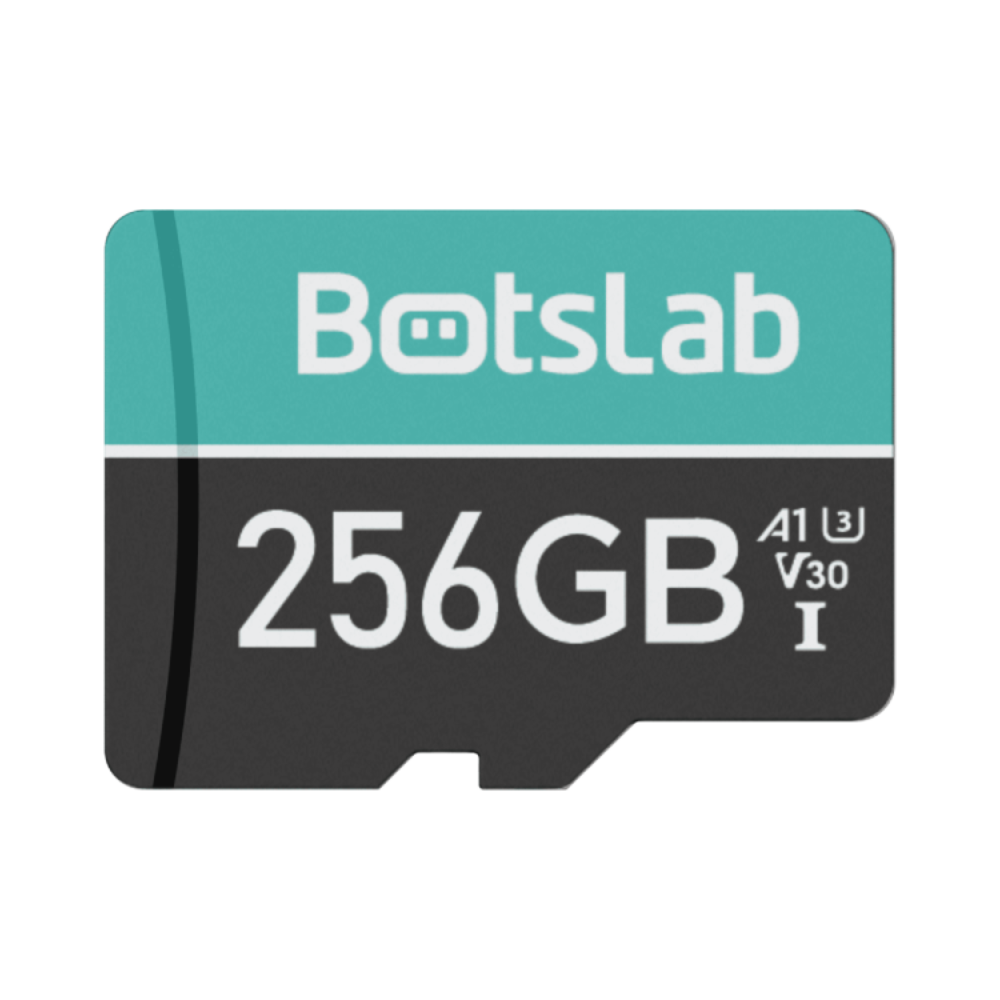
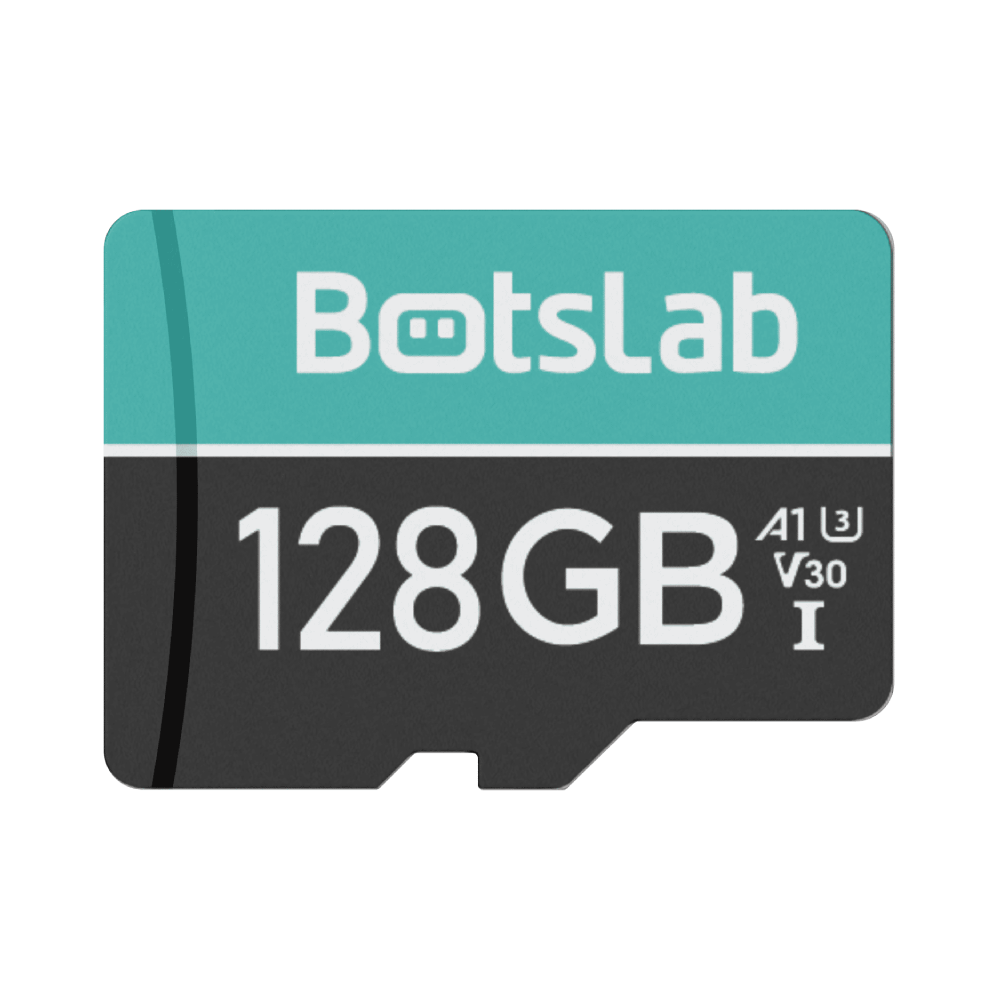
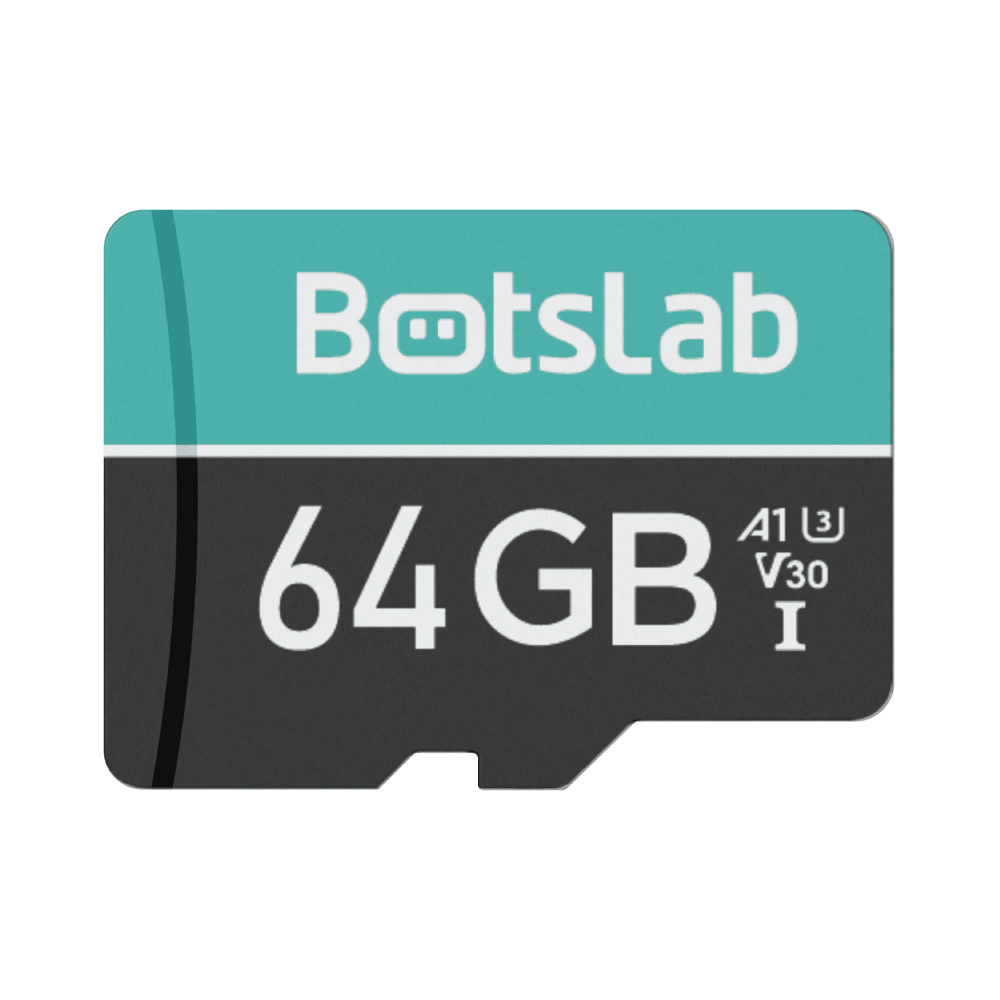
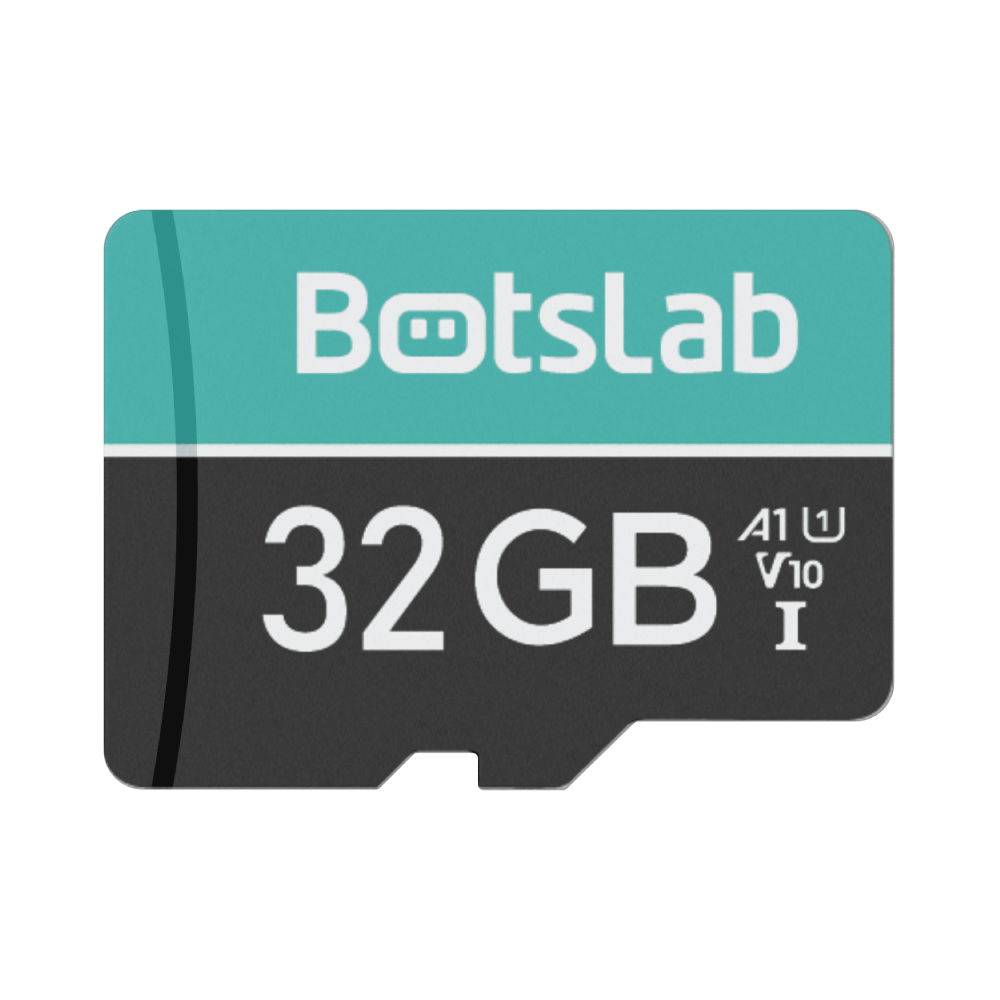
- If the issue continues, consider upgrading via a memory card
How Can I Share the Device with My Family?
You can easily share your camera with family members through the in-app sharing feature.
The device supports sharing with up to 5 users.
How to Share
- Go to: Camera Settings → Family Invitation & Management
- Select QR Code Invitation
- Tap Share and invite family members to scan the QR code
If Sharing Fails
- Take a screenshot of the QR code and send it to the invitee
- Ask the invitee to scan the QR code from their device
Why Are Cloud Recordings Incomplete on a Shared Account?
If cloud recordings appear incomplete on a shared account, this is due to access limitations for shared users.
Shared accounts can only view cloud recordings generated after accepting the device sharing.
What This Means
- Cloud videos recorded before sharing was accepted are not visible to the shared user
- Only recordings generated after the sharing is activated will be accessible
Recommendation
- For full access to all cloud recordings, please use the original (owner) account
What Types of Notification Activities Are Available?
The camera supports multiple types of activity notifications to keep you informed of important events.
You will receive alerts based on the type of activity detected by the device.
Supported Notification Types
- Motion Detection — Alerts when any movement is detected
- Human Detection — Identifies and notifies when a person is detected
- Vehicle Detection — Detects and alerts when a vehicle appears










Share:
Botslab Outdoor Camera W311: Night Vision Modes & Switching Troubleshooting
Botslab Outdoor Camera W311: Night Vision Modes & Switching Troubleshooting